
One workbench for structure, heat and contact.
Solvix CAE is the pre- and post-processor for the Solvix finite-element solver: nine analysis step types, solid, shell, membrane and plane elements, and a material library with linear, plastic, thermal and slip-wear models.
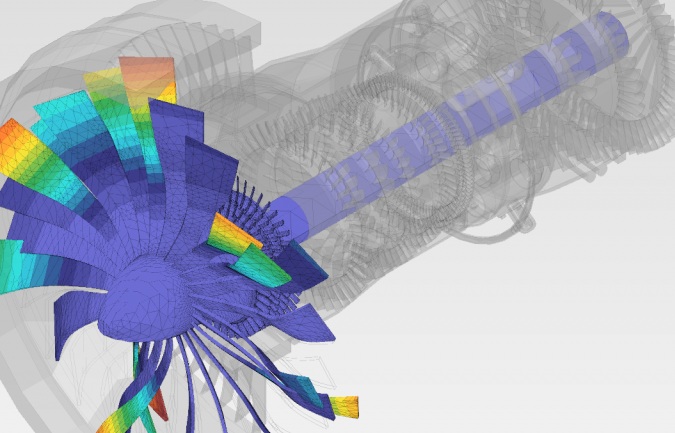
What the solver covers.
Chapter 1 · analysis featuresTaken from the manual, chapter 1 — the same page the agent answers from.
Analysis steps
Static · Natural frequency extraction · Steady state dynamics · Modal dynamics · Dynamic, implicit and explicit · Linear buckling · Heat transfer · Uncoupled temperature–displacement · Coupled temperature–displacement with slip wear (Archard model)
Elements
Solids — tetrahedra, hexahedra, pyramids and wedges, first and second order · Shells, membranes, plane stress, plane strain and axisymmetric triangles or quadrilaterals · One-node mass elements, point or distributed
Materials
Linear elasticity · Plasticity · Thermal · Slip wear. The material library ships with the build and takes imported .inp definitions.
Constraints
Point spring · Surface spring · Rigid body · Tie · Compression-only · Contact with friction and gap conductance
Boundary conditions
Fixed · Displacement and rotation · Submodel temperature. Initial conditions and defined fields for temperature and velocity.
Loads
Concentrated force · Moment · Uniform, hydrostatic and imported pressure · Surface traction · Normal shell edge load · Gravity · Centrifugal · Pre-tension · Concentrated, surface and body flux · Convective film · Radiation
Five steps, five menus.
Geometry
Import or build the solid, simplify what does not carry load, keep the features the answer depends on.
02Mesh
Element order and size per part; preview the edge mesh before committing to a run.
03Model
Model space, nodes, elements, parts, sets, surfaces and features — the whole Model menu.
04Property
Material and section from the library, or imported from an .inp file.
05Results
Contours, probes and history output, exportable as they stand.
Everything a study needs, in one tree.
Geometry, mesh, model and property live in three tabs of a single model tree, and each tab activates the menus that belong to it. A change to the geometry rebuilds the mesh in place instead of starting a new project, and the analysis setup that follows keeps pointing at the parts you already named.
Sets, surfaces and features are first-class objects: the same node set can carry a boundary condition, a load and a result probe without being rebuilt for each one.
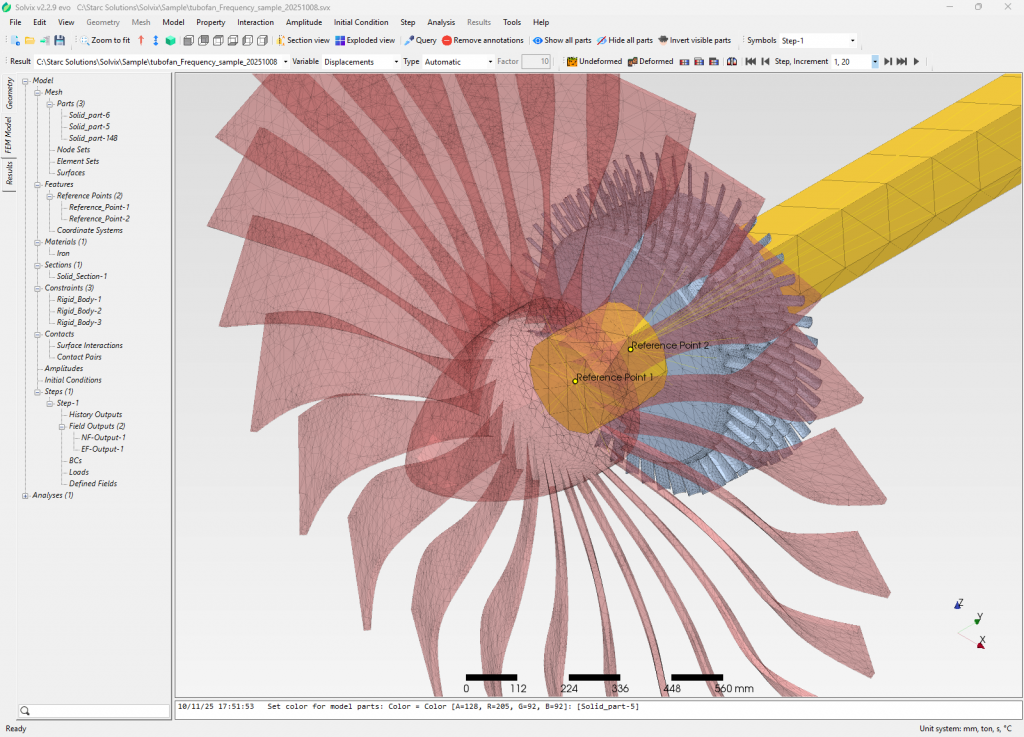
The answer, next to the model.
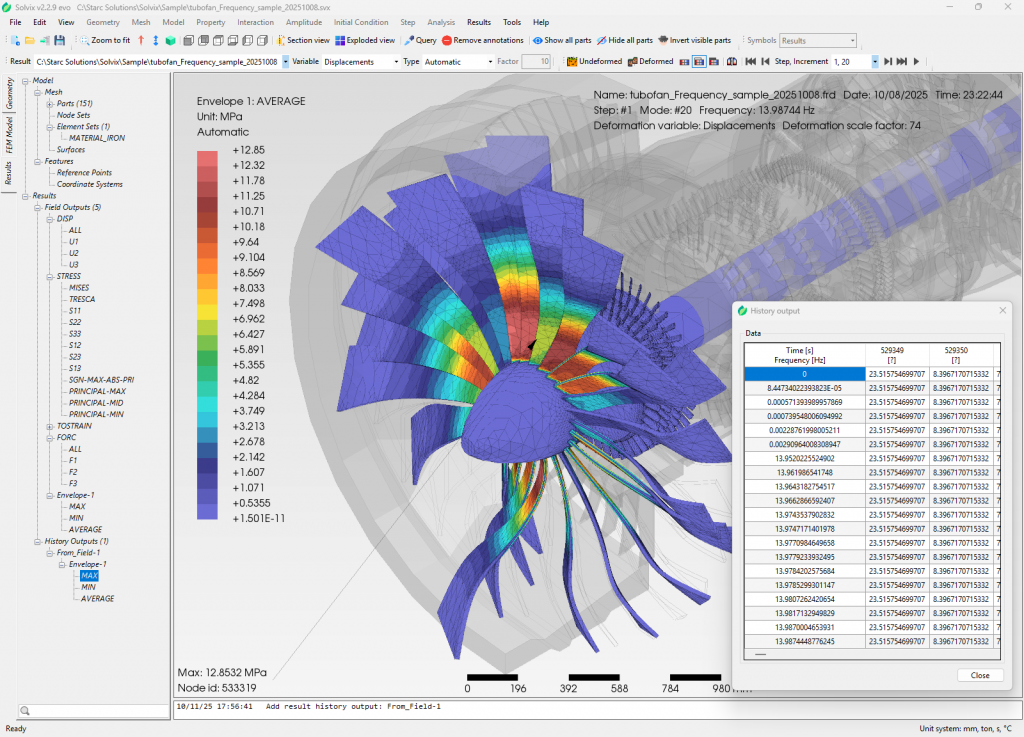
Contours, probes and the history output sit beside the model rather than in a separate window, so a mode shape and the frequency that produced it are read together. Results stay attached to the load step that made them, which is what makes a comparison between two runs meaningful.
Export them as they stand, or hand the model to Solvix Agent and ask it to write the run up against the manual.
Start with a model you already have.
Import the geometry, run one study, and read the result with the documentation open beside it.